Most Miami business owners hear about website accessibility for the first time the day a letter arrives. It names their business, cites the Americans with Disabilities Act, lists a few things wrong with their website, and asks for a settlement. Many of them did not know a website could break the ADA at all.
It can, and Florida has become one of the busiest places in the country to find out.
Florida is now the second busiest state for these lawsuits
Every year the law firm Seyfarth Shaw counts the website accessibility lawsuits filed in federal court. Its 2025 numbers came out in March, and Florida stood out.
Only New York had more, with 1,021. Across the country, 3,117 of these suits were filed in federal court in 2025, 27% more than in 2024. And those counts leave out suits filed in state courts and the demand letters that settle before anyone files anything, which is how most of these cases actually end.
So if you run a restaurant in Little Havana, a dental office in Coral Gables or an online store out of a Doral warehouse, the odds are no longer abstract. Plaintiffs file where the cases are, and right now that includes South Florida.
Why small businesses are the usual target
You might expect these suits to go after big national brands. Some do. But UsableNet, which tracks digital accessibility suits in federal and state courts, found that 64% of the companies sued in 2025 made less than $25 million a year. Its count passed 5,000 suits for the year, and 1,427 of them named a company that had been sued before.
The reason is simple. Almost every website fails somewhere. WebAIM tests the home pages of the top one million websites every year, and in its 2026 report 95.9% of them had accessibility failures a computer could detect, an average of 56 per page. The most common ones:
- Text with too little contrast against its background (83.9% of pages)
- Images with no text description (53.1%)
- Form fields with no label (51%)
- Links and buttons that say nothing to a screen reader (46.3% and 30.6%)
Each of those is quick to find and easy to describe in a complaint. A plaintiff's firm can check hundreds of sites in a day.
Here is the controversial part. A small number of firms file most of these cases, often with the same plaintiffs, and critics call it a lawsuit industry. That criticism has a point. But the barriers in the complaints are usually real. A blind customer who cannot get through your online booking form calls a competitor instead. The lawsuits are the expensive way to learn something that was already costing you customers.
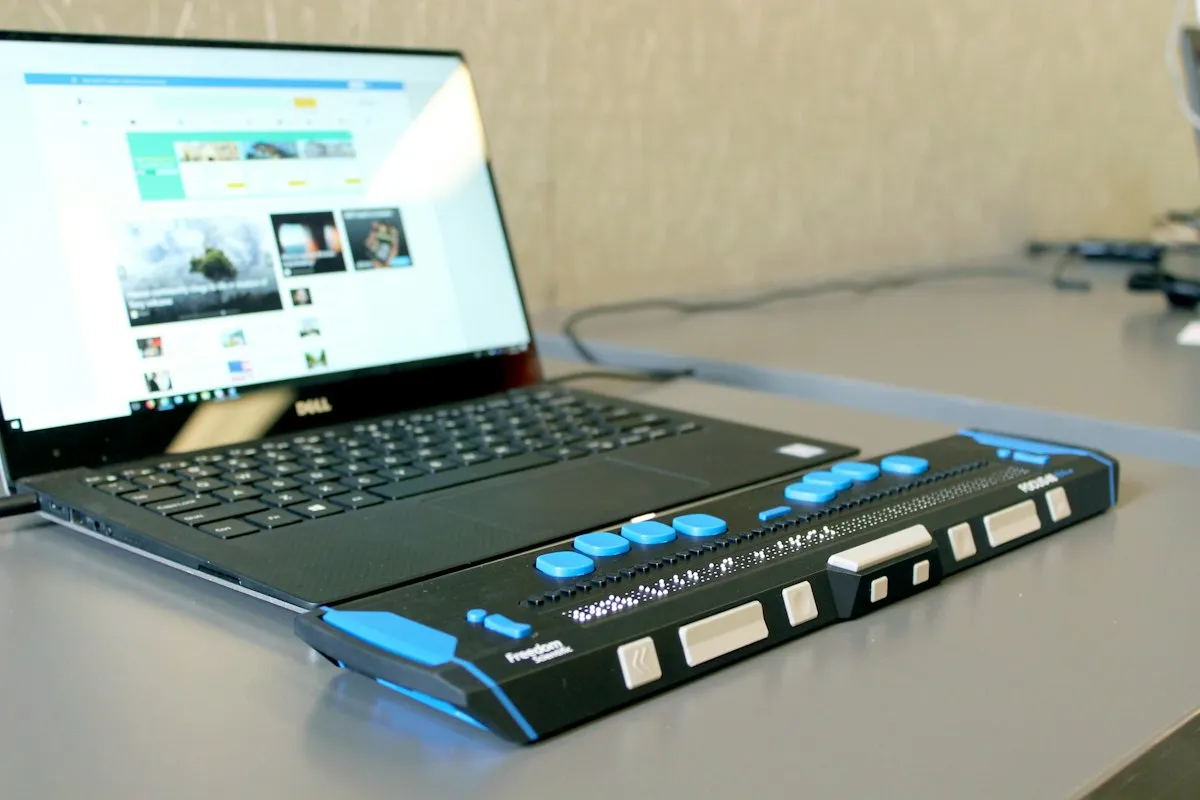
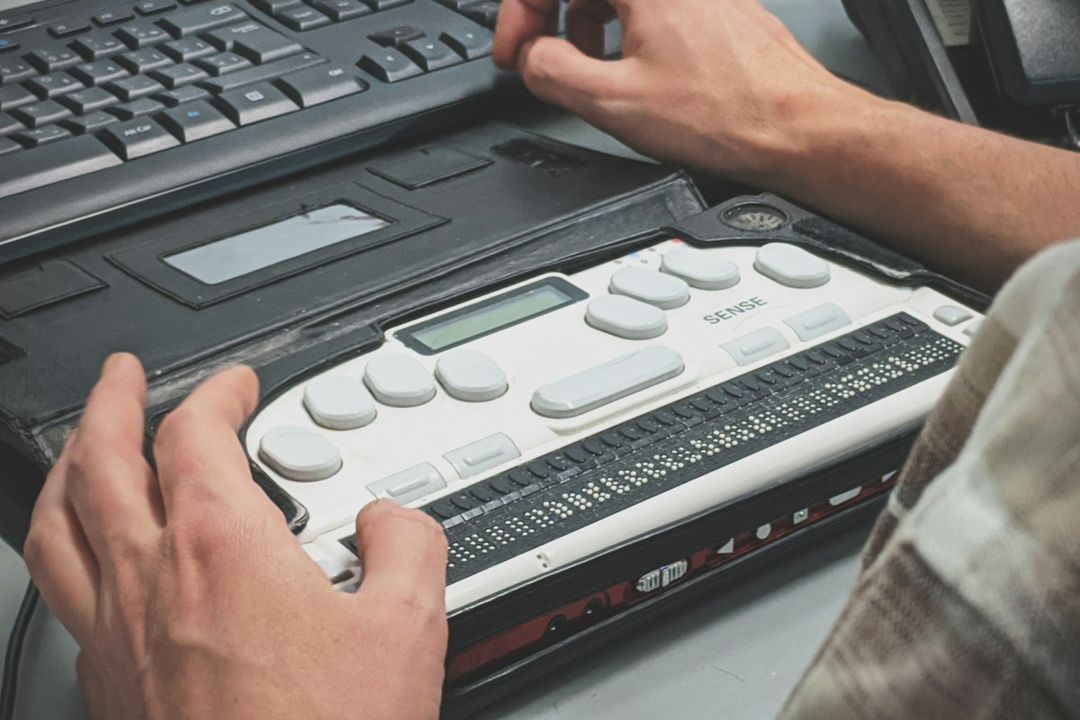
It helps to picture how a blind person actually uses your site. A screen reader reads each element out loud, or sends it to a braille display like the one in front of this laptop, and the person moves through the page with the keyboard instead of a mouse. If an image has no description, they hear "image." If a button has no label, they hear "button" and have to guess. If your menu only opens on a mouse hover, it never opens at all. None of this shows up when you look at your own site, which is why most owners have no idea there is a problem.
The widget that was supposed to fix it
If you have looked into this before, someone has probably tried to sell you an accessibility overlay. It is a line of script you paste into your site that adds a small icon in the corner, and it promises to make your website compliant automatically, sometimes within 48 hours.
In January 2025 the Federal Trade Commission went after the best known of these companies. The FTC said accessiBe's claims that its widget could make any website comply with the WCAG accessibility guidelines were false, misleading or unsubstantiated, and that the company had dressed up paid articles as independent reviews. accessiBe agreed to pay $1 million without admitting wrongdoing, and the order became final that April.
Businesses with these widgets installed keep getting sued anyway. UsableNet's 2025 report found that suits against websites using widgets held steady all year and concluded that widgets "do not materially reduce legal risk." A widget sits on top of the problem. The missing labels, the unreadable contrast and the keyboard traps are still there in the code underneath, and that is what a plaintiff's expert tests.
What actually protects your website
There is no certificate that makes a site lawsuit proof, but there is a clear standard. WCAG 2.1 level AA is the standard the Justice Department chose in its 2024 rule for state and local government websites, and it is the one settlements usually name. A site that meets it, and can show it, is a very hard target.
Fix the common failures in the code
Raise the contrast on light gray text, describe every meaningful image, label every form field, and give every link and button a name. These are the failures plaintiffs list first, and they are fixed in the website itself, not in a plugin.
Make everything work with a keyboard
Put your mouse away and press Tab through your home page. You should see where you are at every step, open every menu, fill in every form and reach the end without getting stuck.
Listen to your site once
VoiceOver is free on every Mac and iPhone. Turn it on, go to your contact form and try to send a message without looking. Ten minutes will tell you more than any widget.
Publish an accessibility statement
Add a short page saying which standard you follow, what you have fixed, and how a customer can report a problem. It shows good faith, and it gives a frustrated visitor somewhere to go other than a lawyer.
Keep it fixed
New pages, a changed menu or a plugin update can break what was fixed last month. Accessibility has to be checked every time the site changes, which is why it belongs in your monthly website maintenance, not in a one-time project.
If a demand letter arrives
Do not ignore it, and do not pay the first number without advice. Call a lawyer who handles ADA defense in Florida, since deadlines and settlement terms matter more than anything a website person can tell you.
Whatever the lawyer says about the case, start fixing the site the same week. Documented repairs help in a negotiation, and a fixed site is much less likely to draw a second letter from the next firm. Remember that 1,427 of last year's suits named a business that had already been sued once.
This post is general information about websites, not legal advice. For a letter or a lawsuit, talk to a lawyer.
How I build for this
The main pages of kegasoftware.com score 100 for accessibility in Google's Lighthouse test, and that is the bar I build to. That means real labels on every form, a visible focus outline for keyboard users, enough contrast in both light and dark mode, descriptions on images, and motion that calms down for people who ask their device to reduce it. It is part of how I build websites and landing pages from the first day, not a cleanup at the end. If your site is old enough that this sounds unfamiliar, it may be one of the signs your business needs a new website.
A word of caution about scores, including mine. An automated test catches the common failures, not all of them. It cannot tell whether an image description makes sense or whether a form is confusing to someone listening to it. A score of 100 means the basics are right. The keyboard and the screen reader tell you the rest.
And if you are thinking of letting an AI tool build your next site, check what it does with accessibility first. I wrote about that in Can AI build your website?
Check your own site in two minutes
You do not need to wait for a letter to find out where you stand. The free website audit runs the same Google test on your home page and shows your accessibility score next to speed and SEO. A low score is not a verdict. It is a to-do list, and most of the items on it are quicker to fix than a settlement is to negotiate.